Tool
HDR Screensavers
Twenty-two free 3D screensavers for Windows and Mac, covering the holiday calendar, the seasons and a few adventures, with true HDR on HDR displays.
Each screensaver is a fully choreographed 3D scene built from original Blender models. Three movements blend into one another, and each one ends as the whole cast lifts into a ribbon that resolves into a single shape. On an HDR display, highlights reach 2,000 nits on Windows and 1,600 nits on Macs with XDR screens. On standard displays they run in regular SDR.
All 22 are free, and every one is available for both platforms. The installers are about 1.5 MB each.
Holidays
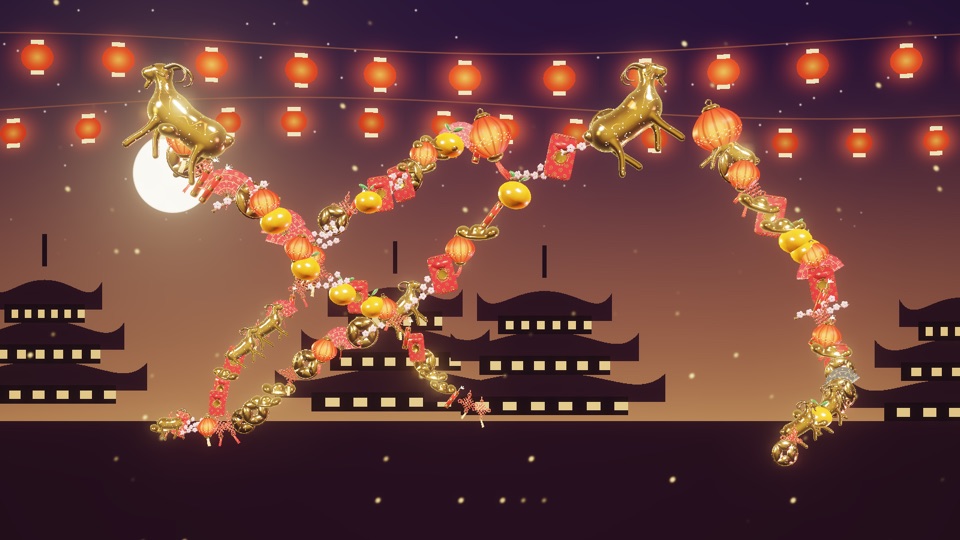
Year of the Goat
Lanterns, red envelopes, oranges, gold ingots and lucky coins float through a lantern festival while golden goats trot along, then four long festival dragons snake through the night.
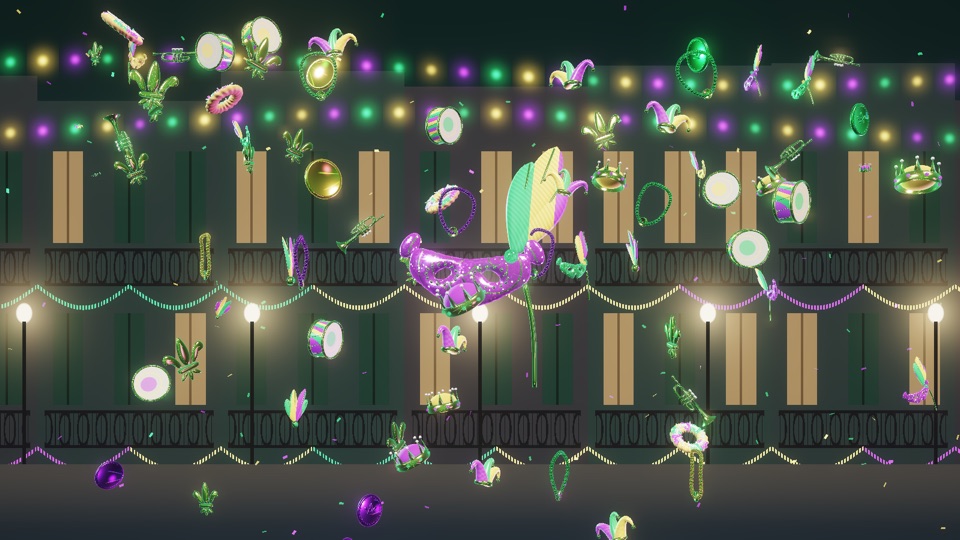
Laissez les Bons Temps
Masks, beads, king cakes, trumpets and doubloons strut a second line in purple, green and gold, and throws arc from the balconies around a big masquerade mask.
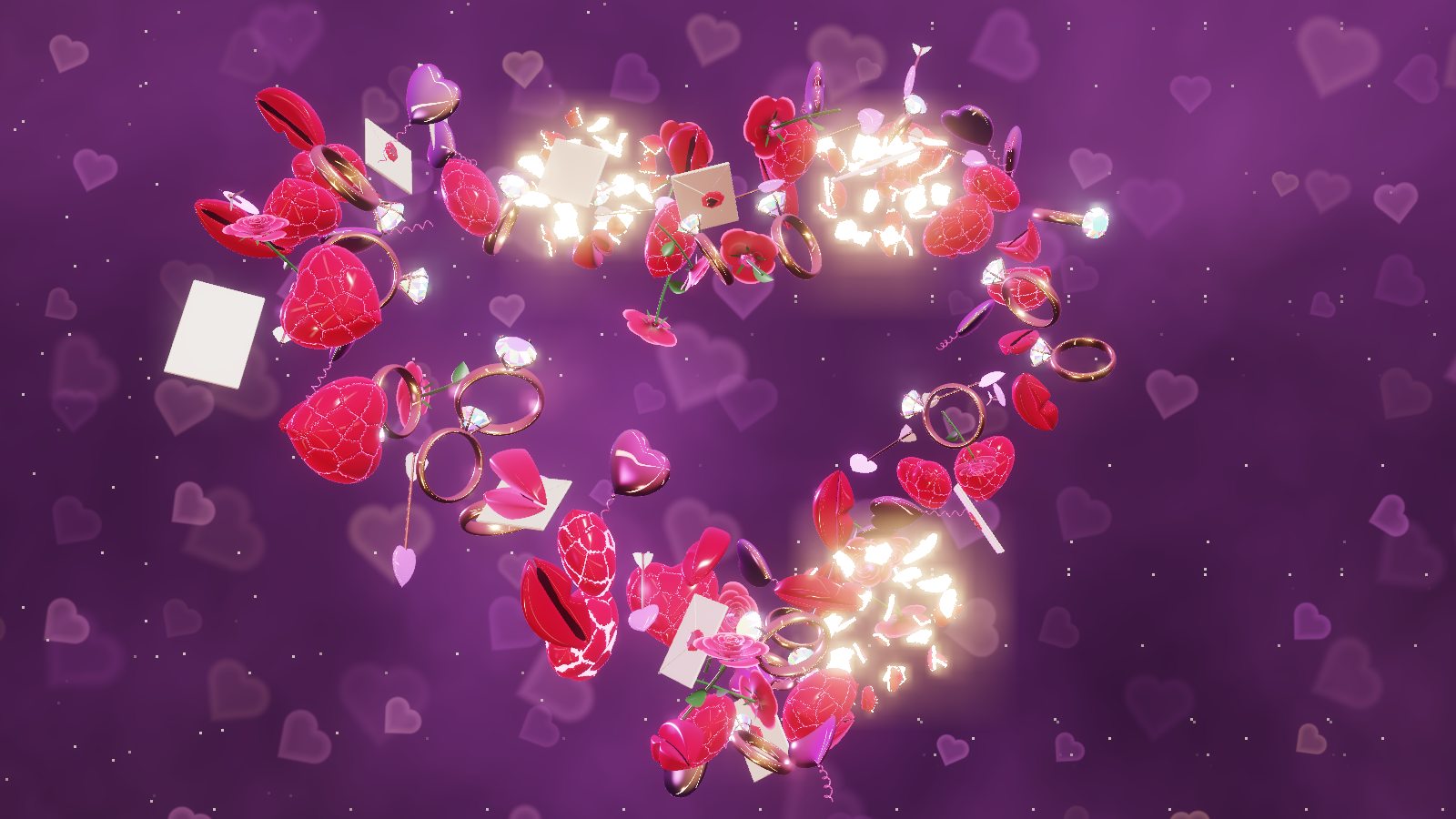
Love Burst
Bursting hearts, kissing lips, roses, diamond rings, love letters and heart balloons float, circle and twirl to a lub-dub heartbeat.
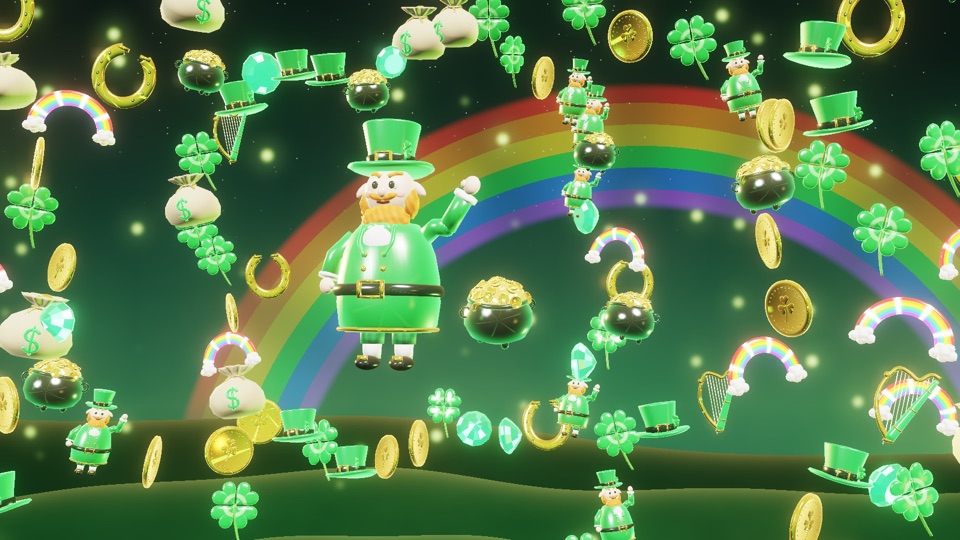
Shamrock Shine
Lanes of good luck glide along rainbow arcs to a jig, four-leaf-clover rings bloom round a waving leprechaun, and a gold quilt lifts into a giant clover.
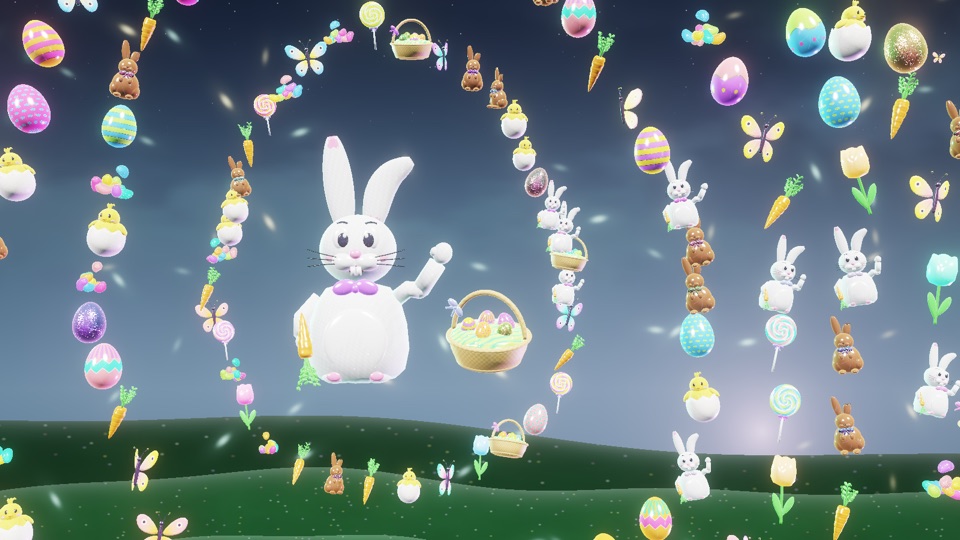
Hoppy Easter
Painted eggs, baskets, chicks, tulips and chocolate bunnies hop along meadow lanes, egg-shaped rings bloom round a waving bunny, and a ribbon of treats turns into a bunny.
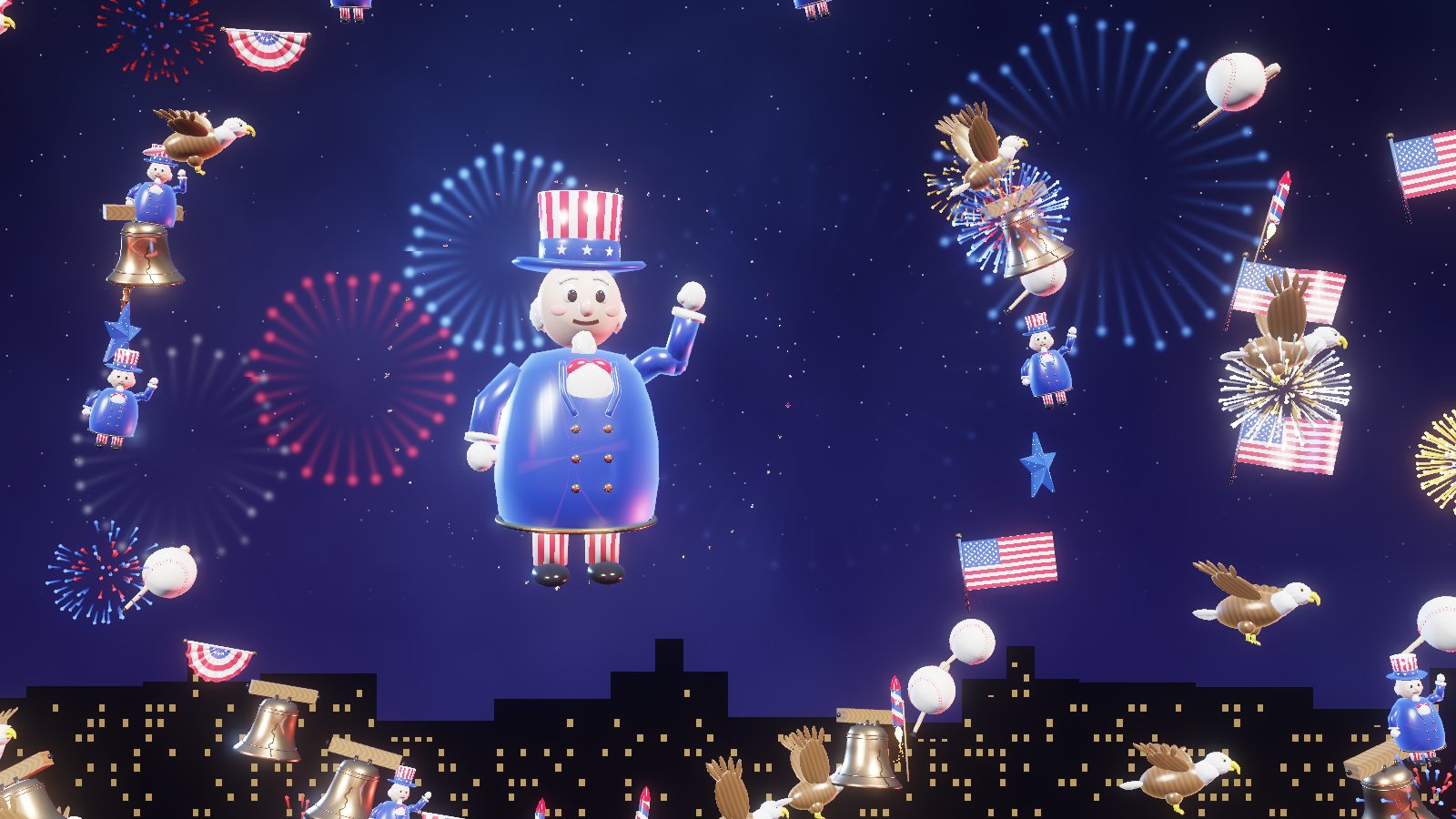
Star Spangled
Uncle Sam, the flag, rockets, the Liberty Bell, an eagle and a sky full of fireworks for Independence Day.
Spooky Jamboree
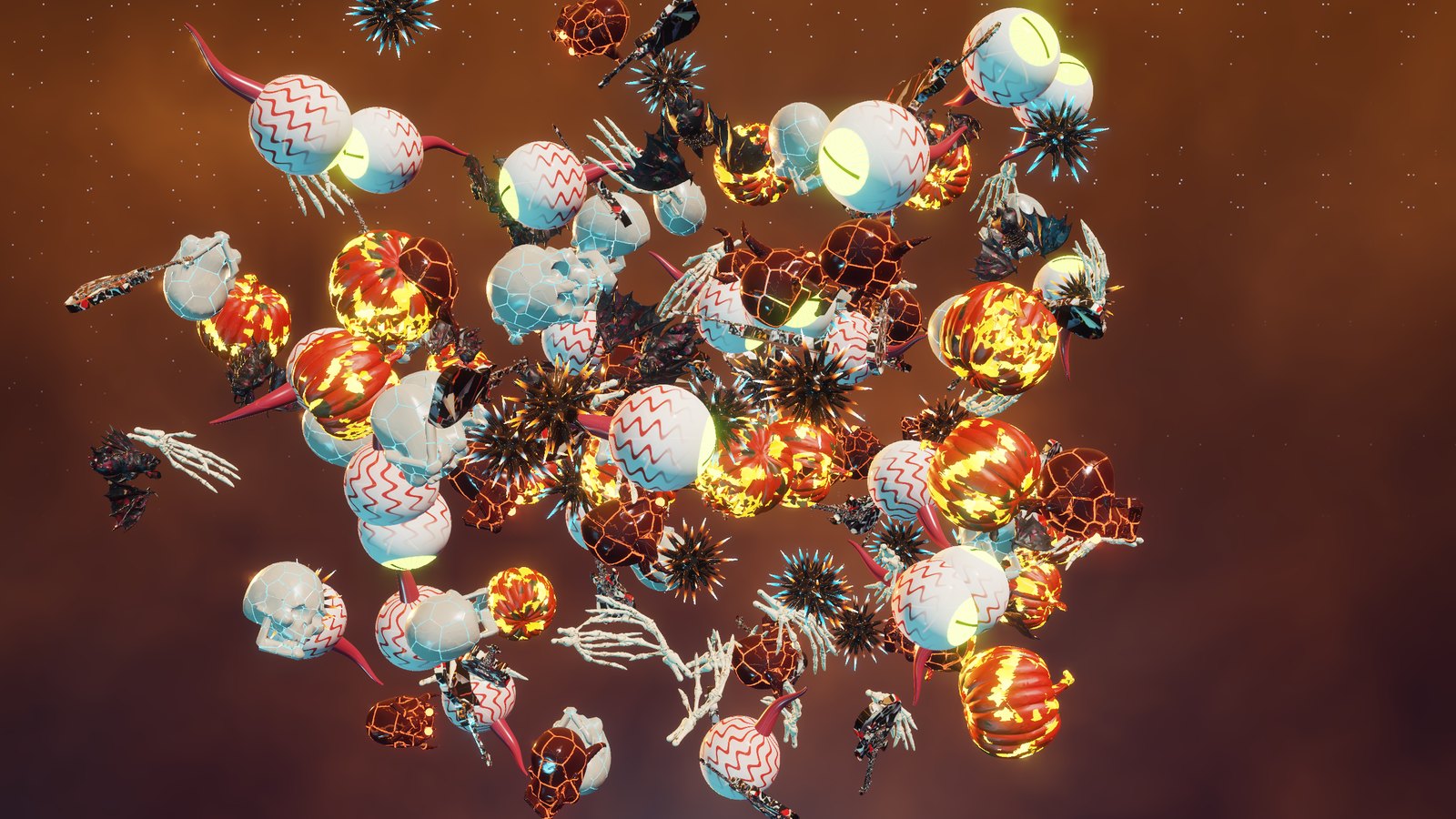
Skulls, demons, eyeballs, bats, pumpkins, guitars and skeleton hands racing, circling and swooping through a haunted night.
Noche de Ofrenda
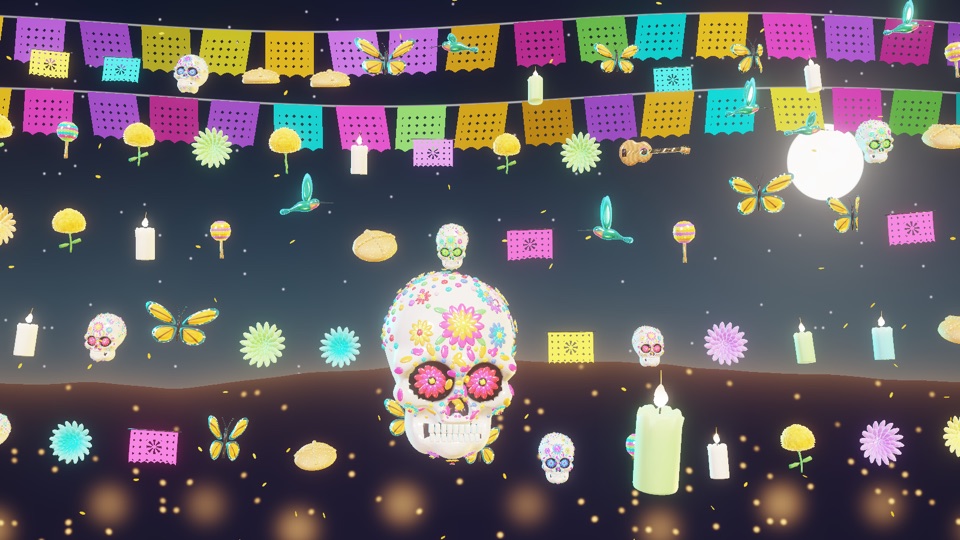
Sugar skulls, marigolds, candles, pan de muerto and guitars sway along petal paths to a slow waltz under strings of papel picado, and a calavera turns into a monarch butterfly.
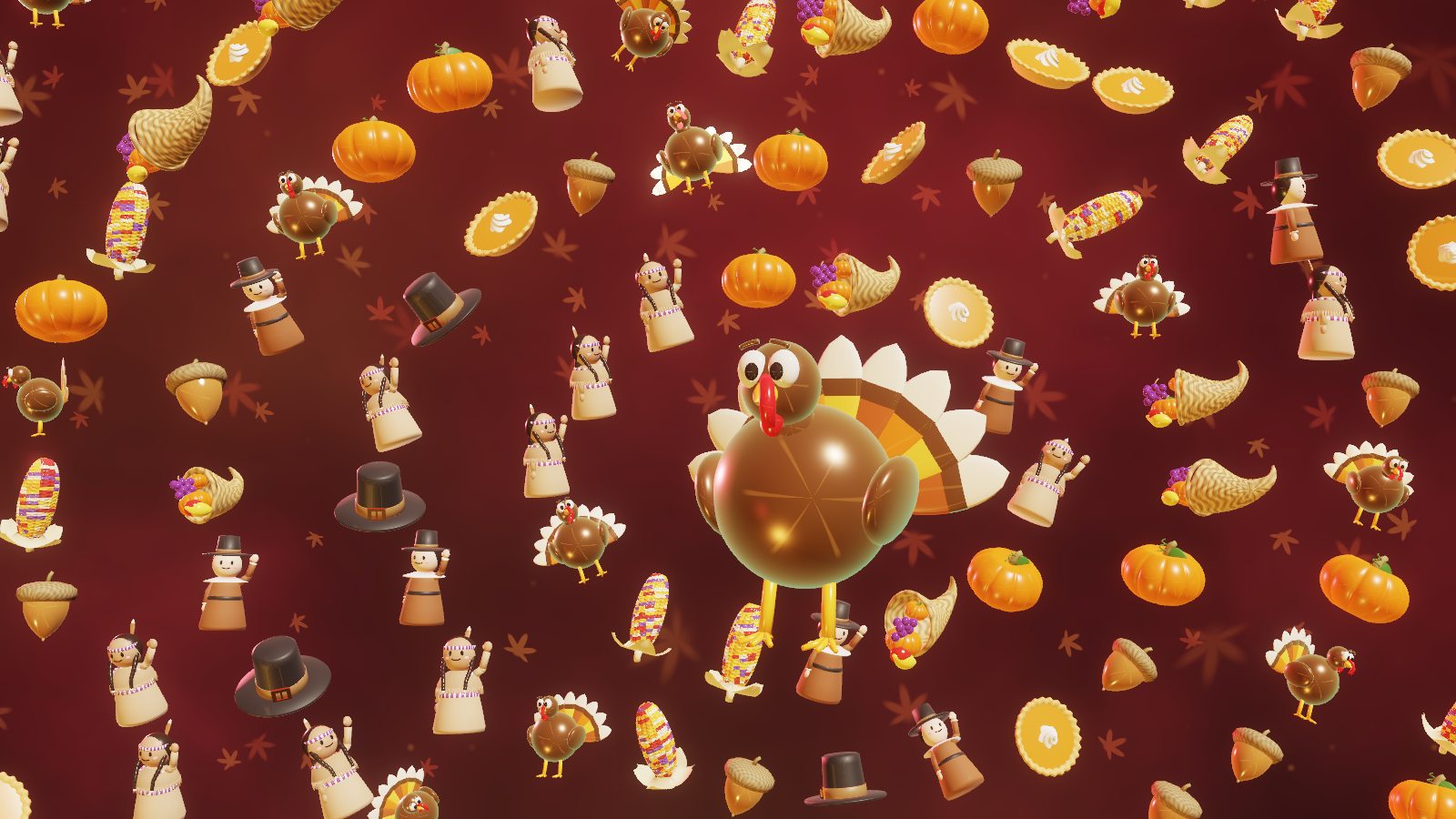
Harvest Gathering
Gobbling turkeys, pumpkin pies, pumpkins, cornucopias, acorns and flint corn, plus a hand-print turkey made of the whole feast.
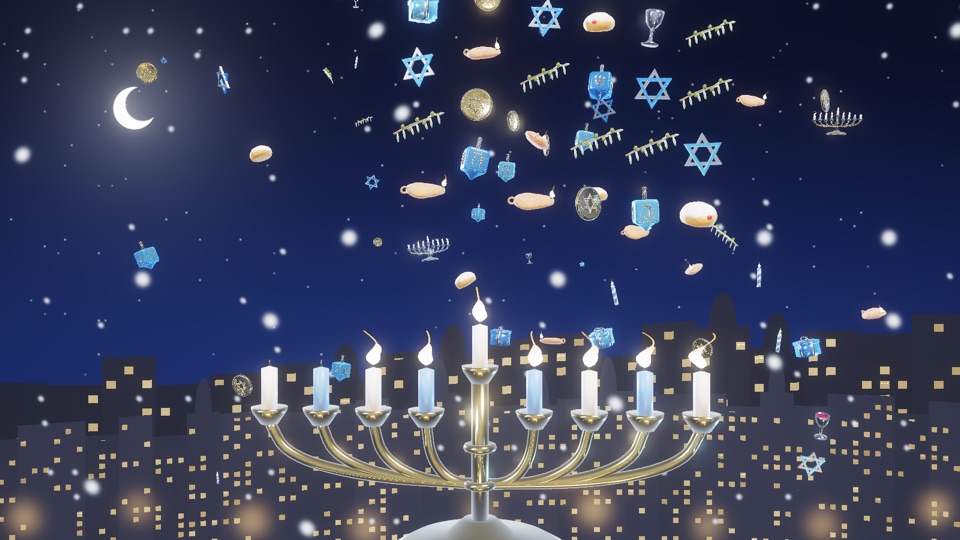
Festival of Lights
Dreidels, stars, gelt, sufganiyot and oil lamps drift by in royal blue and gold, and a menorah lights one more candle each night, a column of light rising above every flame.
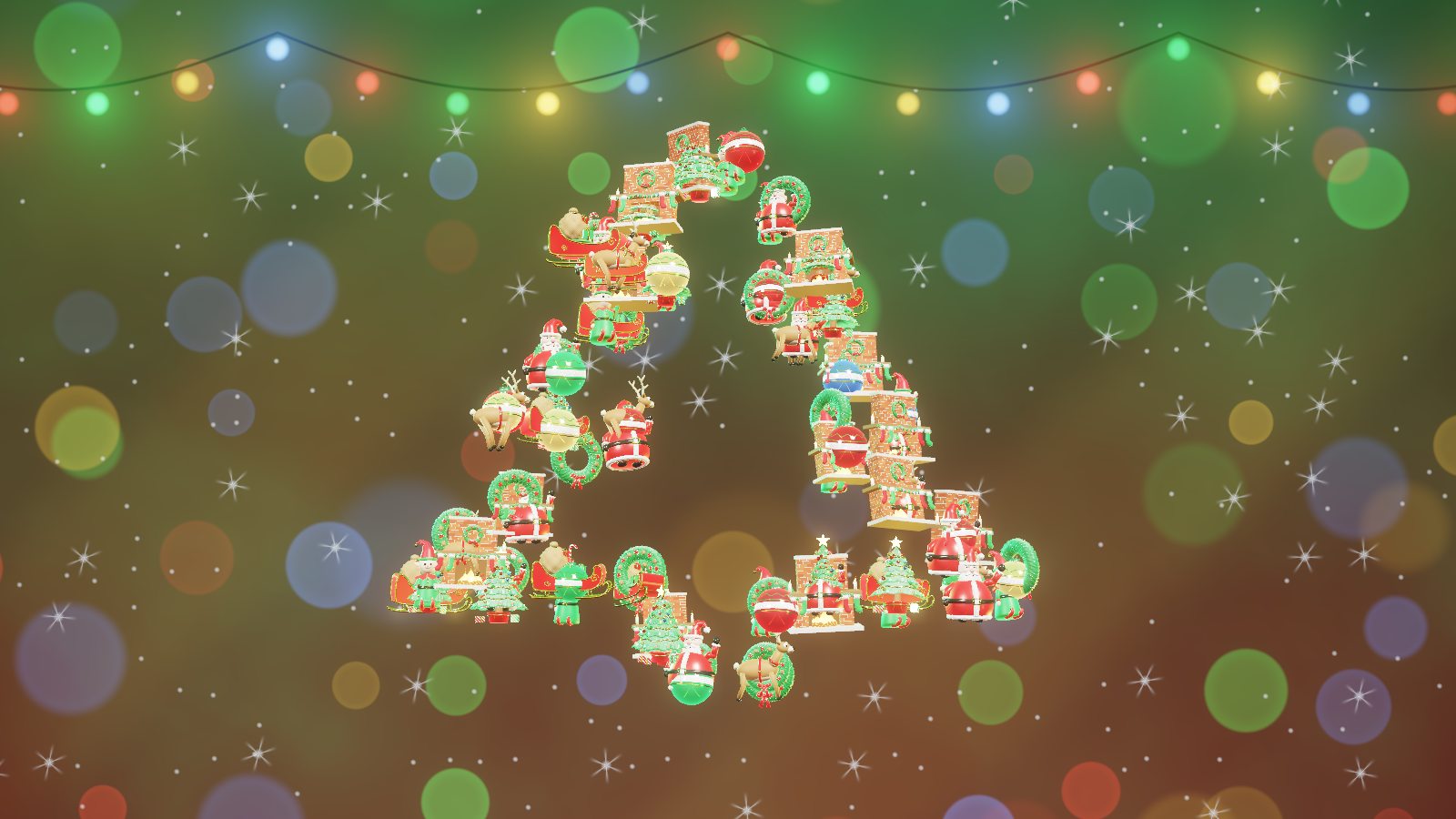
Jolly Christmas
Santa, trees, elves, ornaments, wreaths, reindeer and a sleigh, with rings of stars and a stocking-hung hearth.
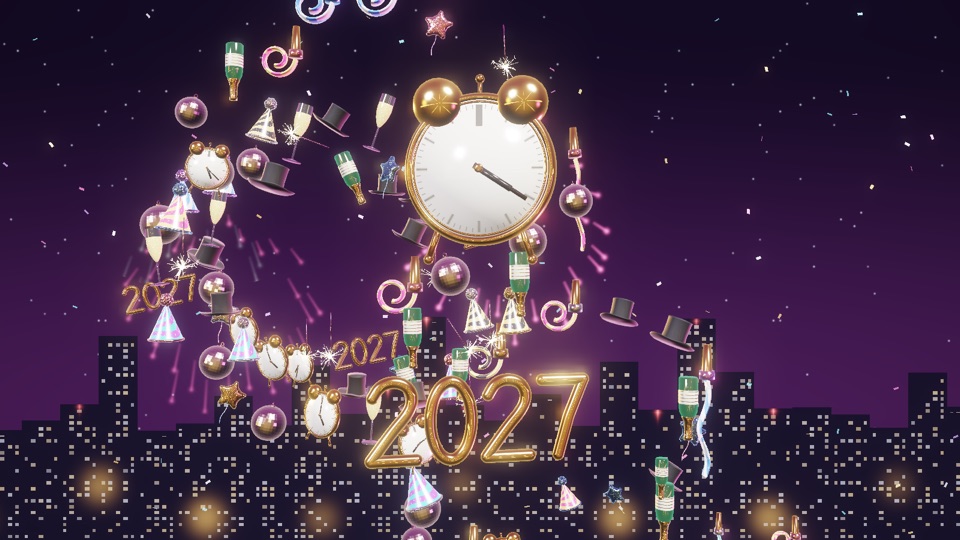
Midnight Countdown
Champagne, flutes, party hats, horns and mirror balls parade under the city lights, fireworks fling party favors across the sky, and a clock at a minute to midnight becomes a champagne flute.
Seasons & nature
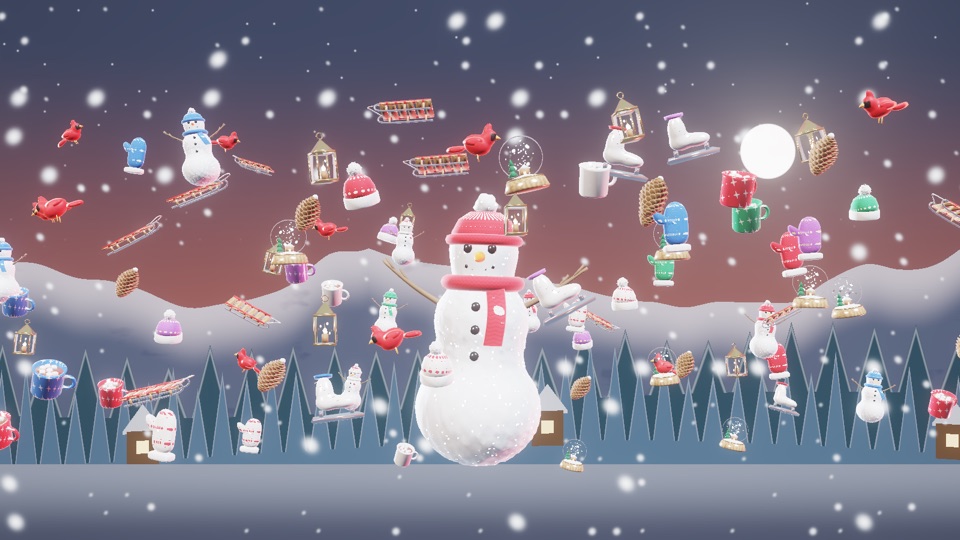
Winter Wonderland
Snowmen, mittens, mugs of cocoa, sleds and skates slide down snowy slopes at twilight and skate figure-eights around a big snowman.
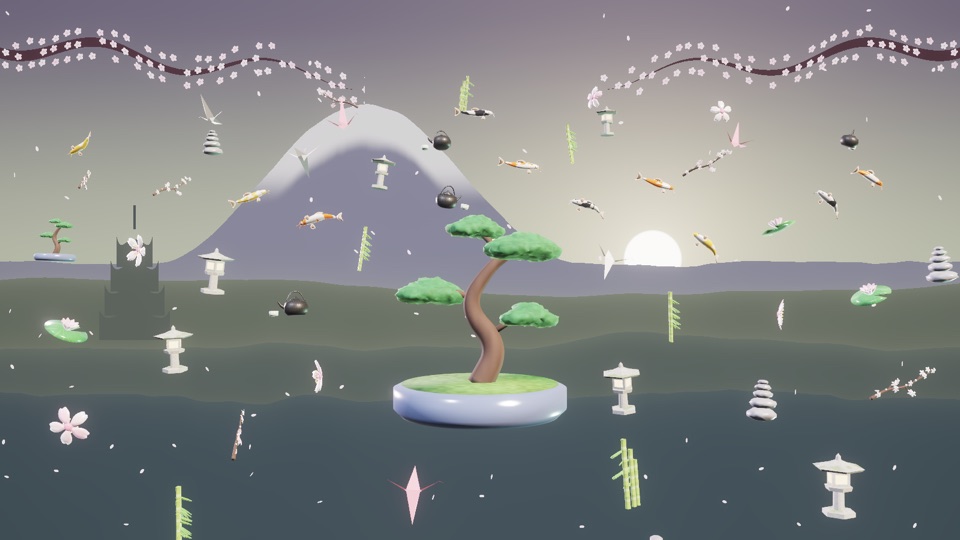
Sakura Zen
Cherry blossoms, koi, paper cranes, lanterns, bamboo and teapots drift on a river of petals and glide in slow circles round a bonsai. The calmest one of the bunch.
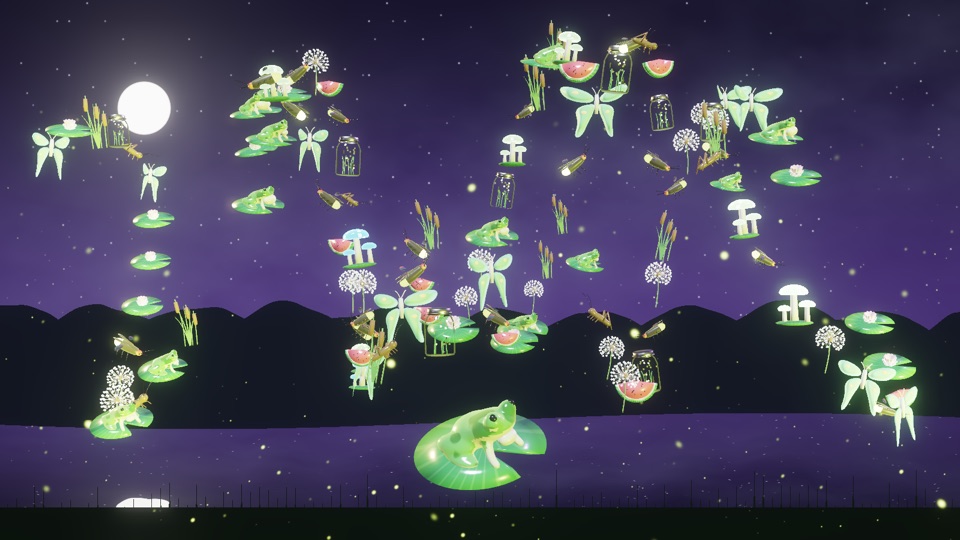
Firefly Summer Night
Fireflies, moths, crickets, dandelions, cattails and mason jars drift over a warm meadow, then loop round a frog on a pond while waves of firefly light sweep through.
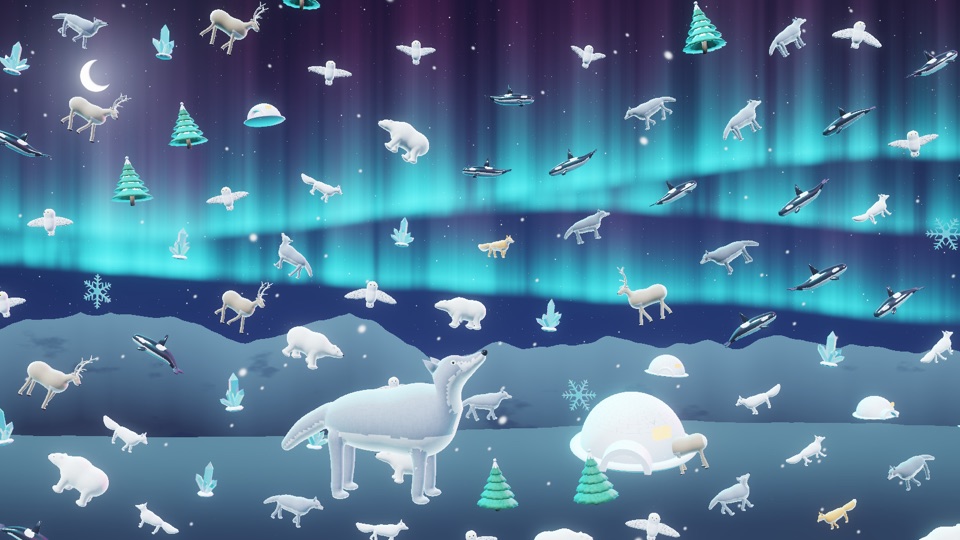
Aurora Nights
Polar bears, foxes, reindeer and wolves trek across the snow under the northern lights, with owls and orcas gliding among them and a wolf howling at the pole star.
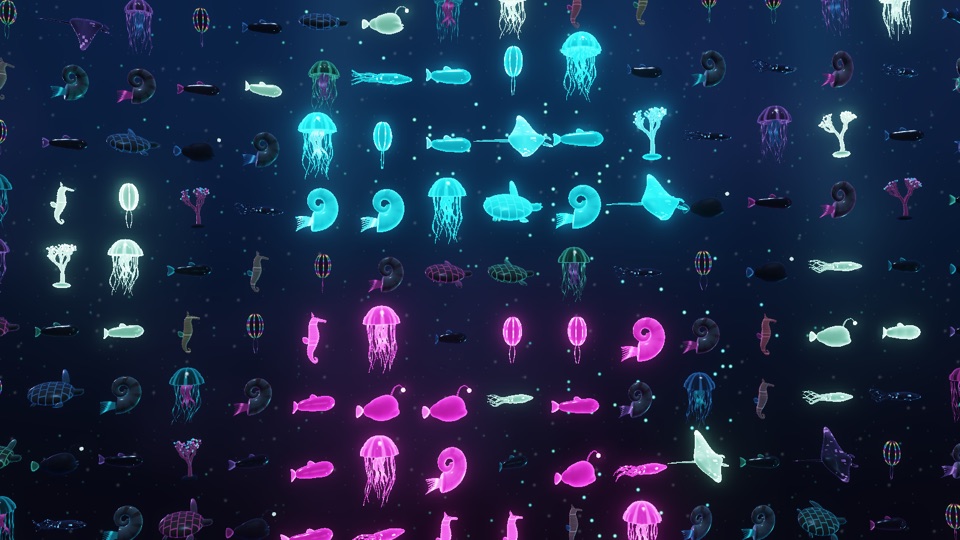
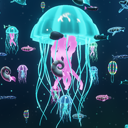
Abyssal Glow
Glowing jellyfish, manta rays, anglerfish, seahorses, squid and nautiluses drift through the dark and circle a giant jellyfish in a slow whirlpool.
Adventure
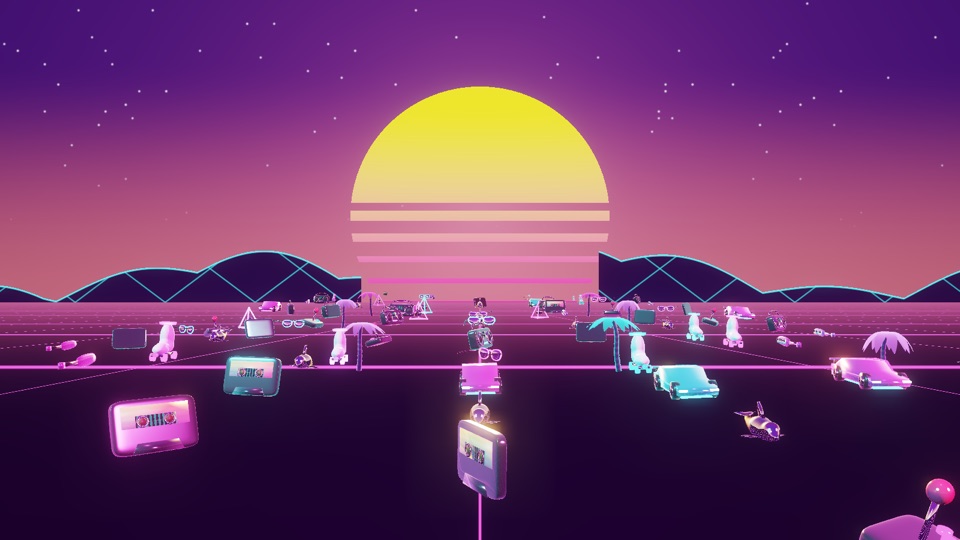

Neon Horizon
Sports cars, palm trees, cassettes, boomboxes, keytars and chrome dolphins race at you down a neon highway toward a striped setting sun.
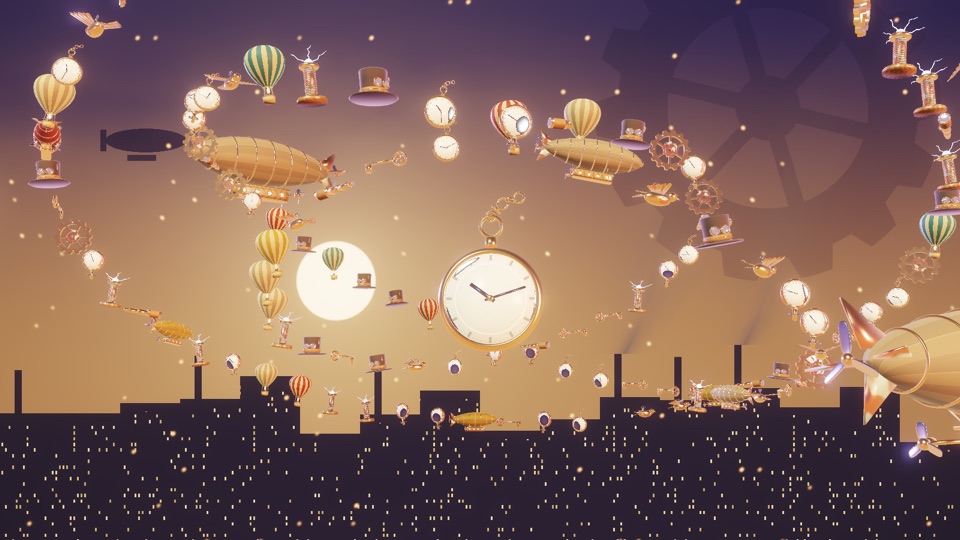
Brass & Steam
Airships, clockwork birds, cogs, pocket watches and pressure gauges sweep over a city at dusk and tick round a great pocket watch, all to a clockwork CLANK ... tock.
Dragon Realm
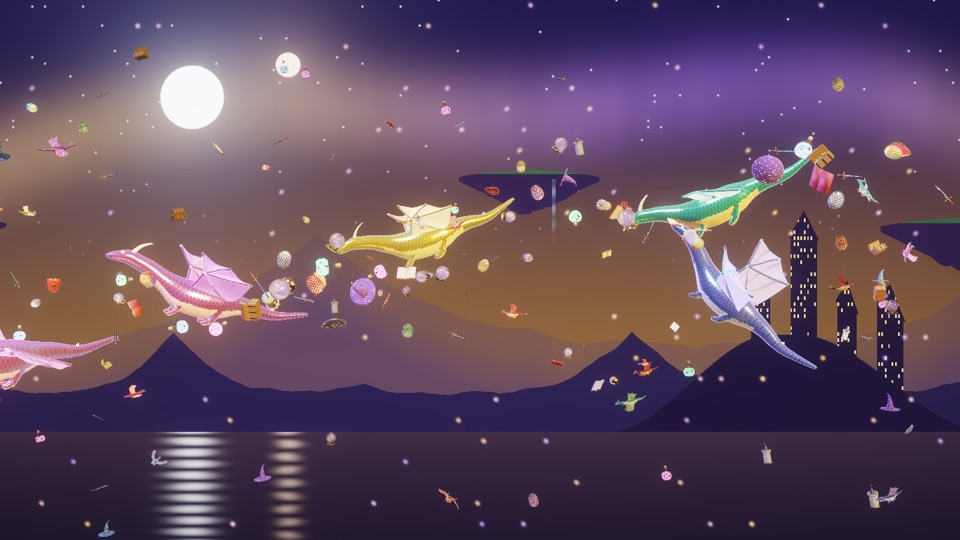
Dragons, swords, shields, wizard hats, potions and treasure chests sail the twilight winds and spiral up a castle tower to a slow war drum.
Dino Stomp
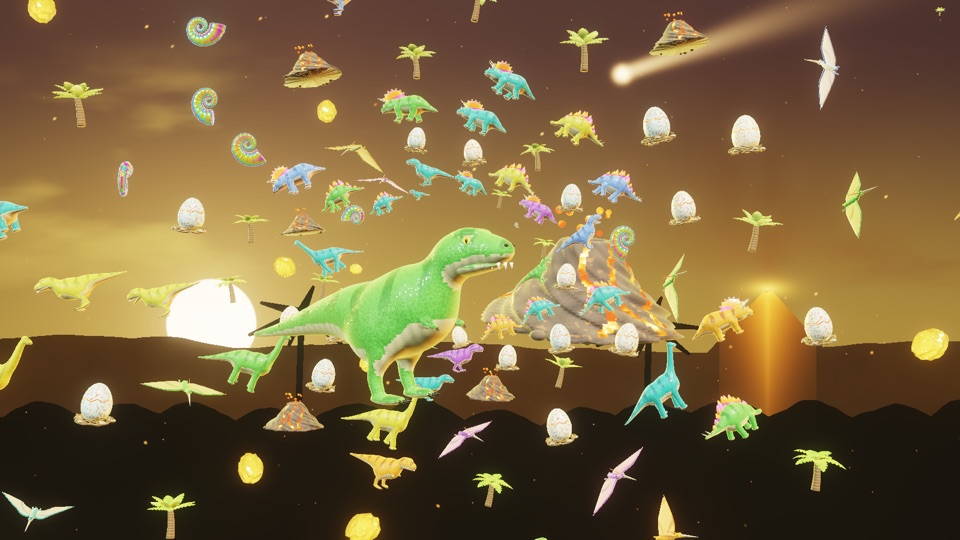
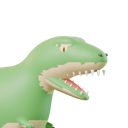
Herds of dinosaurs stride along jungle lanes with Pteranodons overhead, and spiral arms of eggs and fossils swirl round a roaring T. rex and an erupting volcano.
Cosmic Voyage
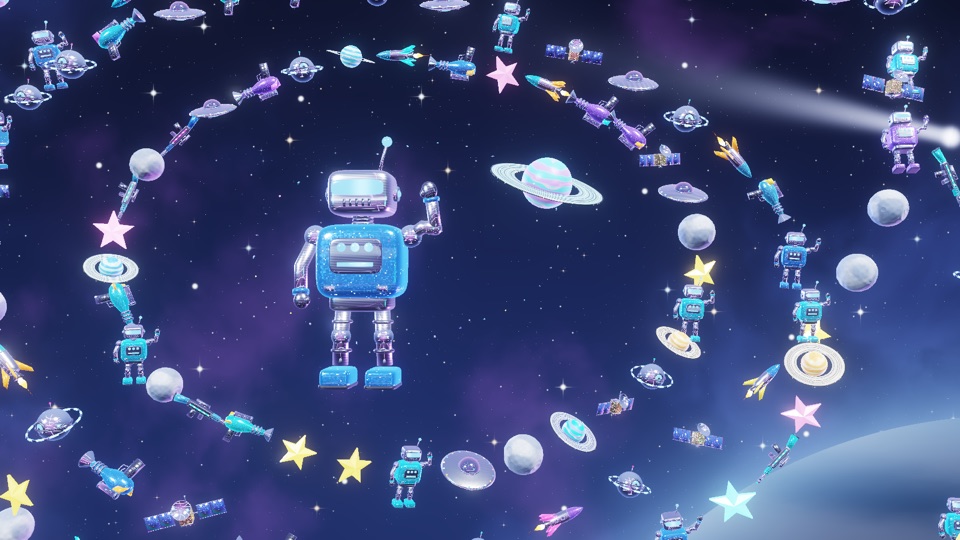
Rockets, flying saucers, robots and satellites cruise curving star lanes, surge to warp, and orbit a waving robot and its ringed planet.
Installing on Windows
- Click Windows under the screensaver you want, and open the setup file when the download finishes.
- Windows SmartScreen may say "Windows protected your PC", because the program is new to Microsoft's reputation service. Click More info, then Run anyway.
- Click Install and approve the permission prompt. Preview shows it right away.
Change settings under Settings → Personalization → Lock screen → Screen saver. Uninstall it from Settings → Apps → Installed apps. Windows 10 and 11 are supported.
Installing on Mac
- Click Mac under the screensaver you want. Most browsers unzip the download automatically.
- Double-click the
.saverfile and choose to install it. - Open System Settings → Wallpaper, click Screen Saver…, and select it under Other.
The Mac versions are native Swift and Metal, signed and notarized by Apple. They run on Apple silicon and Intel Macs with macOS 13 Ventura or later. To remove one, delete it from ~/Library/Screen Savers.
HDR and options
With Use HDR turned on in Windows, the screensavers switch to HDR10 automatically. On a Mac, an XDR or other HDR display is detected automatically. Each screensaver has a Settings (Windows) or Options (Mac) panel for crowd density, seconds per scene, HDR on or off, and HDR peak brightness.